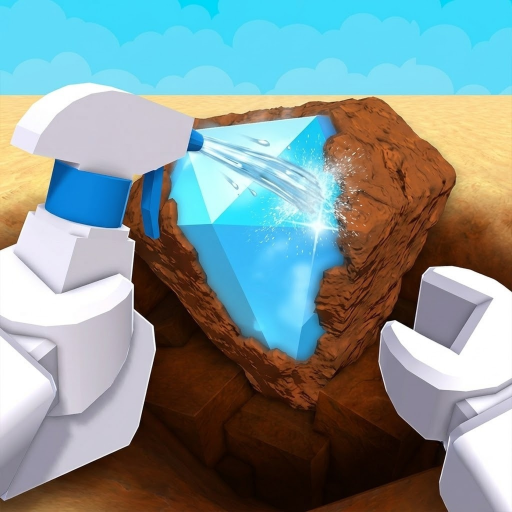
Cleaning Station
The Dig & Clean reveal location—clean dirty digs with spray gear before museum placement or selling.
Tool: spray bottle. Speed: clean faster.
The cleaning station is where Dig & Clean players bring dug objects to spray them clean. Multi-source guides place it in front of the museum. Cleaning reveals type and value so you can place keepers or sell surplus.
Without the station loop, digs remain dirty inventory—no reliable museum income path.
In the loop
| Stage | Location / tool | Result |
|---|---|---|
| Detect | Dig area + detector | Glow spot |
| Dig | Dig minigame + shovel | Dirty find |
| Clean | Cleaning station + spray | Identified treasure |
| Value | Museum or sell station | Cash / collection |
Station steps
- 1. Bring dirty finds. Carry dug objects from the dig area.
- 2. Use spray / cleaner. Clean until identity and value show.
- 3. Decide keep or sell. Museum slots for income; sell extras for liquid cash.
- 4. Reinvest. Spend at gear shop.
Bottlenecks
- Slow spray → dirty queue — clean faster
- Full museum of weak items — sell or museum
- No cash for cleaner upgrades — cash guide
Data status
| Field | Status |
|---|---|
| Station as clean location | Known (multi-source) |
| Near museum placement | Known (multi-source) |
| Exact UI labels | Verify live |
Next in this topic
Closest related pages for this intent—not a full sitemap.
FAQ
Where do I clean items in Dig & Clean?
At the cleaning station, typically in front of the museum, using a spray bottle or later cleaner.
Can I clean without the station?
Guides center cleaning at the station loop. Use the live UI as source of truth for any alternate clean actions.