Beginner Path
First-session Dig & Clean route: confirm the game, complete one full loop, place a museum piece, then make one smart upgrade.
Full steps: how to play. Speed later: finish fast.
New Dig & Clean players need one complete loop before optimizing. Detect a glow, dig it, clean it, put something in the museum or sell surplus, then upgrade the tool that felt slow—not a random shop binge.
This path ignores exploit scripts and wrong-game codes. Status pages: scripts, codes.
First-session route
- 1. Confirm the game. Open Dig & Clean by Squeaky Clean! (not DIG / Dig All Dinos).
- 2. Detect one glow. Use the detector and note rarity color.
- 3. Dig once. Complete the dig minigame with a shovel.
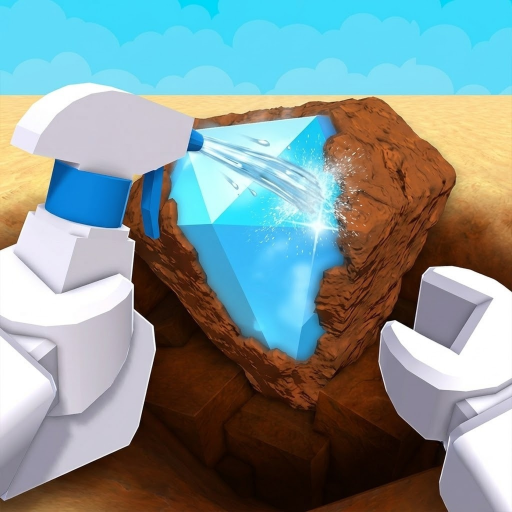
- 4. Clean once. Reveal at the cleaning station with a spray bottle.
- 5. Museum or sell. Fill an empty slot first; see sell or museum.
- 6. One upgrade. Buy shovel if digs lag, spray if dirty piles up — best shovel.
Systems to learn
| System | Why beginners need it | Page |
|---|---|---|
| Detector | Finds dig spots | Detector wiki |
| Shovel | Unearths finds | Shovel wiki |
| Spray | Reveals identity | Spray bottle wiki |
| Museum + cash | Funds upgrades | Cash · Museum |
| Gear shop | Where cash is spent | Gear shop wiki |
If stuck
- Cannot identify finds → clean first
- Digs will not finish → weaker glow or better shovel
- No money → fill museum + sell surplus — cash
- Looking for scripts → script status (none provided)
Beginner mistakes
- Spending on every shop item before one full loop
- Skipping clean and guessing museum value
- Redeeming Dig All Dinos / DIG codes
- Auto dig videos instead of shovel upgrades
Next in this topic
Closest related pages for this intent—not a full sitemap.
FAQ
What should beginners do first in Dig & Clean?
Complete one detect → dig → clean → museum/sell cycle, then upgrade only the tool that felt slow.
Do beginners need a script?
No. Use normal tools and the beginner path. Script pages on this site do not provide exploits.