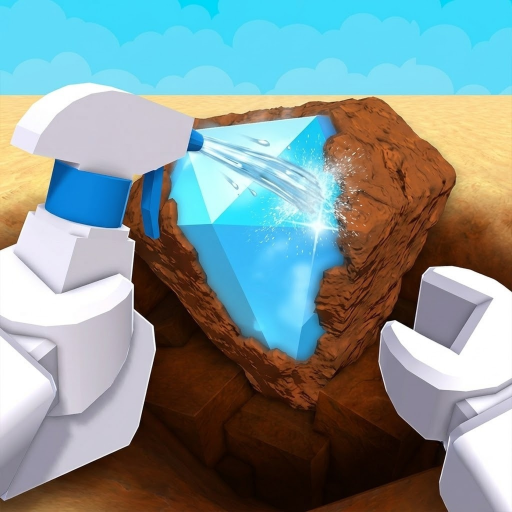
Dig Minigame
The Dig & Clean unearth interaction—fill the dig meter with a shovel on a detector glow spot.
Tools: shovel, detector. Status: auto dig.
The dig minigame is Dig & Clean’s core unearth action. After the detector highlights a spot, interacting starts a dig meter. Players fill the meter with normal controls; when complete, a dirty find enters inventory for cleaning.
Dig speed depends on shovel tier and the target’s rarity/value. This is normal play—not an exploit script.
How it works
- 1. Detect a glow. Use detector in the dig area.
- 2. Start dig. Interact with the highlighted spot.
- 3. Fill the meter. Use shovel input until the dig completes.
- 4. Carry to clean. Take the dirty find to the cleaning station.
Speed factors
| Factor | Effect | Page |
|---|---|---|
| Shovel tier | Faster meter / can clear hard spots | Shovel wiki |
| Rarity of spot | Harder digs on high glows | Rarity wiki |
| Player input | Consistent dig actions | Dig faster guide |
| Wrong tool tier | Stall or incomplete digs | Gear shop |
Faster without scripts
Searches for auto dig and dig & clean script want automation of this minigame. This site does not provide executors or pastebins.
- Upgrade shovel
- Prioritize diggable high-value rarity glows
- Balance clean capacity — clean faster
- Read auto dig status and scripts
Data status
| Field | Status |
|---|---|
| Meter dig interaction | Known (multi-source) |
| Scales with shovel + rarity | Known |
| Exact frame timings | Unknown |
Next in this topic
Closest related pages for this intent—not a full sitemap.
FAQ
How does digging work in Dig & Clean?
Detect a glow, start the dig minigame, fill the meter with your shovel, then clean the dirty find at the cleaning station.
Is there an auto dig feature?
Not as a published normal feature on this site. Auto dig scripts are rejected—use shovel upgrades instead.